
This is an introductory Internet-based course on food safety and sanitary practices for commercial manufacturers of food products. This self-paced computer course is offered continuously throughout the year.
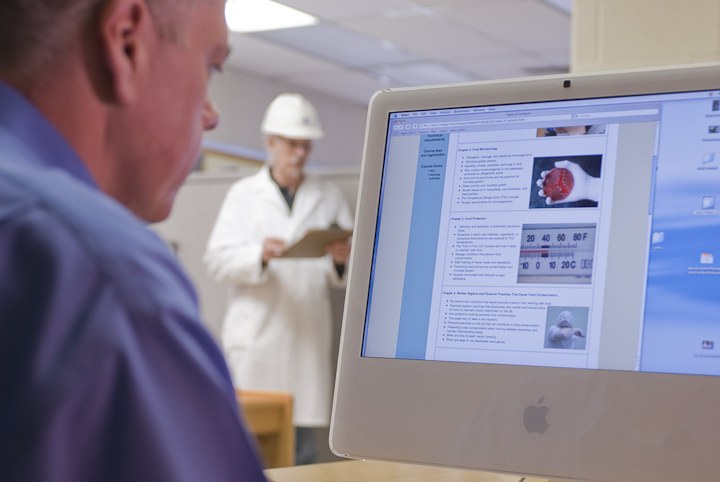
Take the Food Safety and Sanitation course.
This course is designed to teach you the essentials of food safety, food microbiology, sanitary design principles for facilities and equipment, worker hygiene practices, correct procedures for cleaning and sanitizing, food defense and plant security, and more.
This is an "independent study" course delivered online. That means you work independently and at your own pace; at work, the library, your home, anywhere! It is ideal for the busy professional on a budget and with limited time for training.
After completing the course, you will receive a certificate from Penn State University that demonstrates your commitment to producing safe foods.
Contact Us

- Professor Emeritus of Food Science and Extension Specialist
- Email lfl5@psu.edu
- Office 814-863-2298
Contact Us
- Professor Emeritus of Food Science and Extension Specialist
- Email lfl5@psu.edu
- Office 814-863-2298
